03.
Meetmemo.ai
AI meeting memory for summaries, action points and project spaces
fig. 03 — Botticelli, Primavera (detail)
constraint
A transcript preserves words, not working context
duration
Research → beta → enterprise
decision
Design for memory, not transcription
aside
Nobody rereads a transcript
The starting question was simple: after a meeting, do teams need another transcript—or the decisions, responsibilities and context they would otherwise lose? Most tools preserved the conversation. Meetmemo had to make the useful parts retrievable, organised and easy to return to across weeks of project work.
I owned the product from market research and early strategy through feature definition, information architecture, interface and brand direction, beta, launch, growth planning, client onboarding and support. The thesis underneath all of it was clear: build a shared project memory, not another recorder.
Meetmemo.ai
The product was not another note-taker. It was a memory layer teams could trust after the call was over.

The brief
Enter a mature category with a reason to exist.
AI meeting assistants already promised recording, transcription and automatic notes. Competing on capture alone would make Meetmemo interchangeable. My first responsibility was to understand the category closely enough to find a sharper product position.
I mapped the established note-takers and adjacent productivity tools: what they led with, how they organised information after a call, which workflows they left unfinished, and what a smaller product could credibly own. That research shifted the brief from “make meeting notes automatically” to “help a team recover the state of a project.”
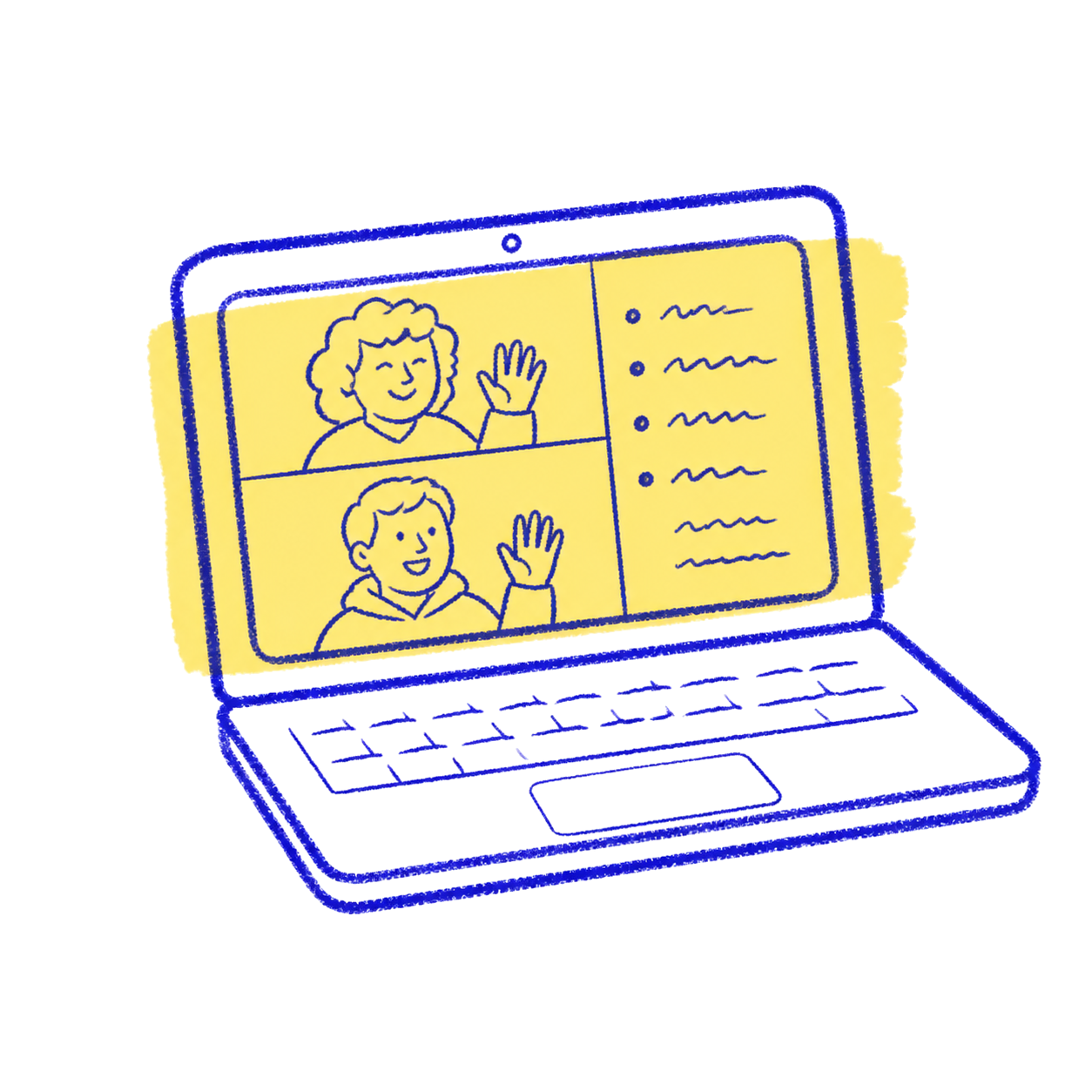 Meetings
 Figma comments
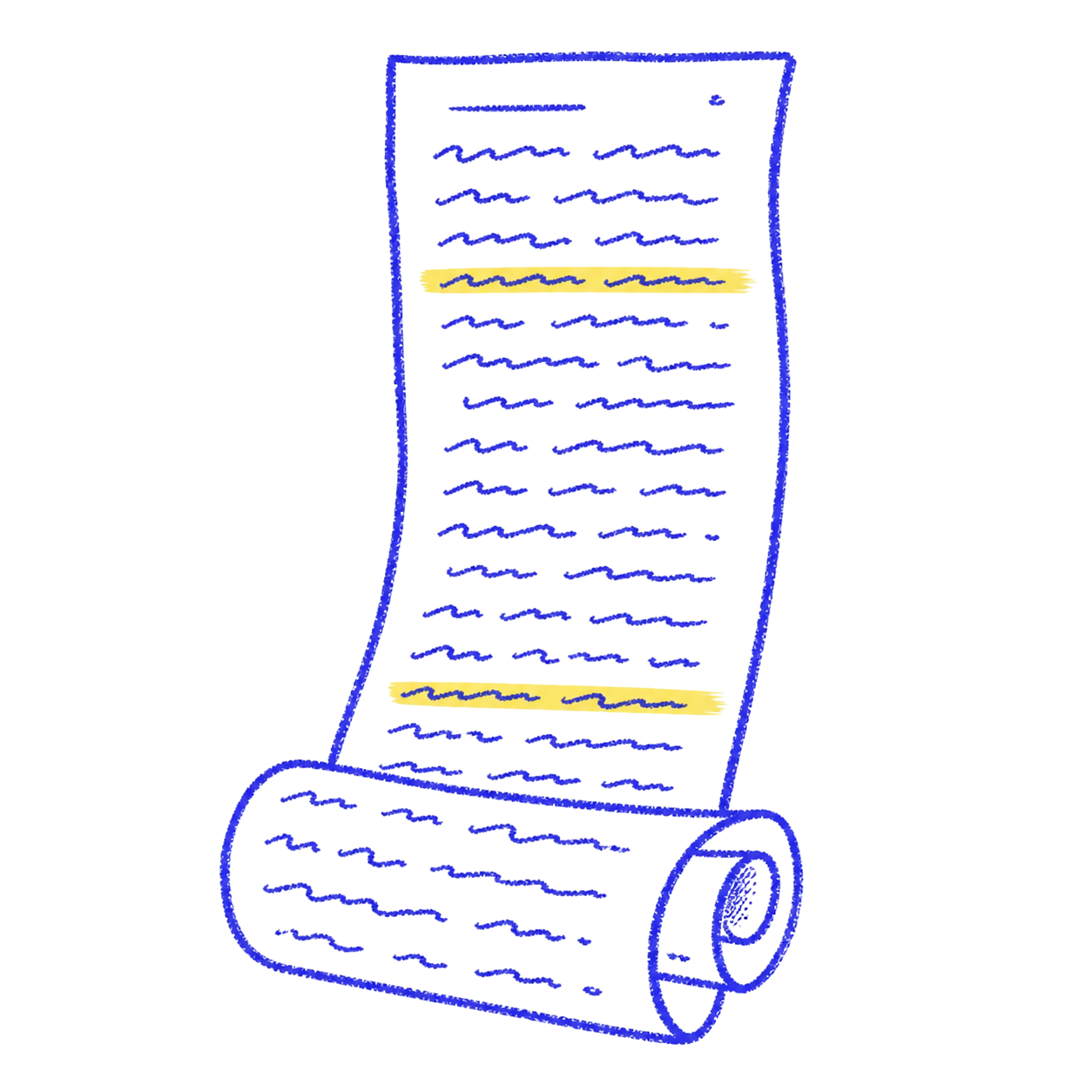 Notes
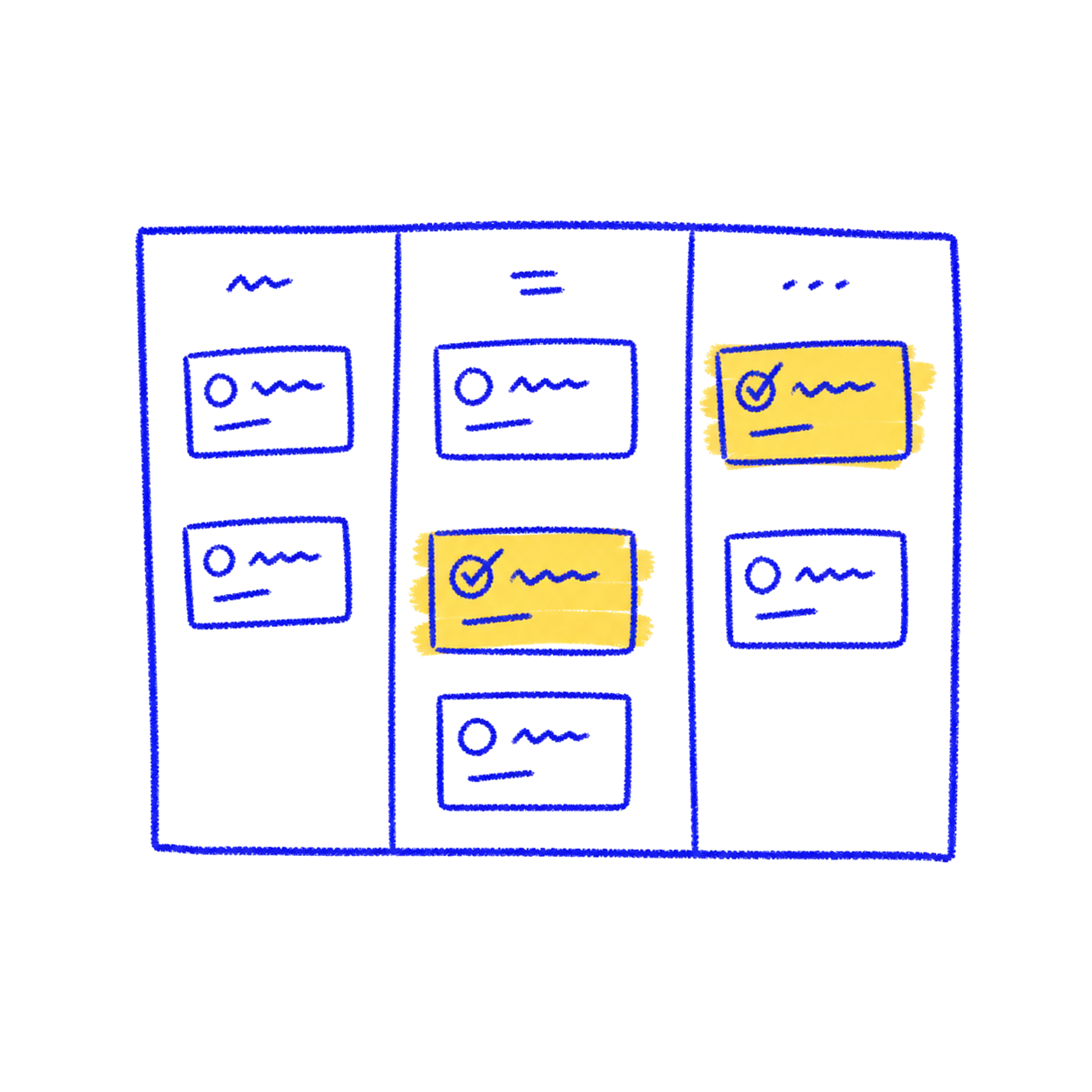 Project + brief

the problem
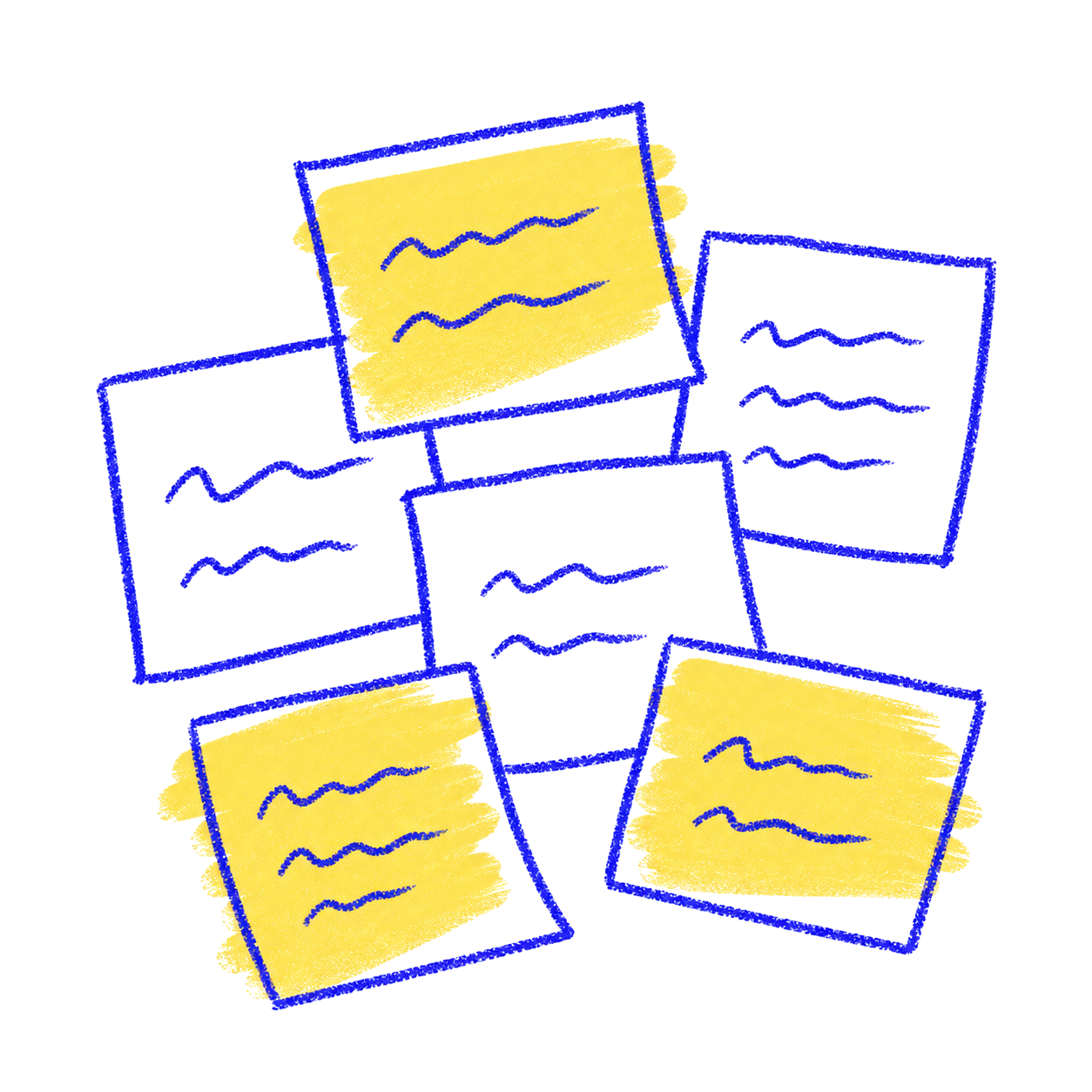
Meetings rarely fail because nobody recorded them. They fail later, when a decision is buried in a transcript, an action has no visible owner, or the next meeting begins without the context of the previous one.
The information was also scattered. A meeting might live in a calendar, the follow-up in chat, the working file in Figma, and the project brief somewhere else entirely. The product opportunity was to create continuity between those fragments—not simply add another destination for notes.

what I did

I led the product from category research to information architecture, interface direction, brand, beta and launch—then used early team feedback to tighten the experience.
Category research, competitor mapping, audience definition and positioning.
Feature strategy, user flows, information architecture and prioritisation.
Interface design, AI behaviour, visual language, brand and product copy.
Growth planning, target-client thinking, beta onboarding and client support.
From research to system
I translated the market gap into a product architecture.
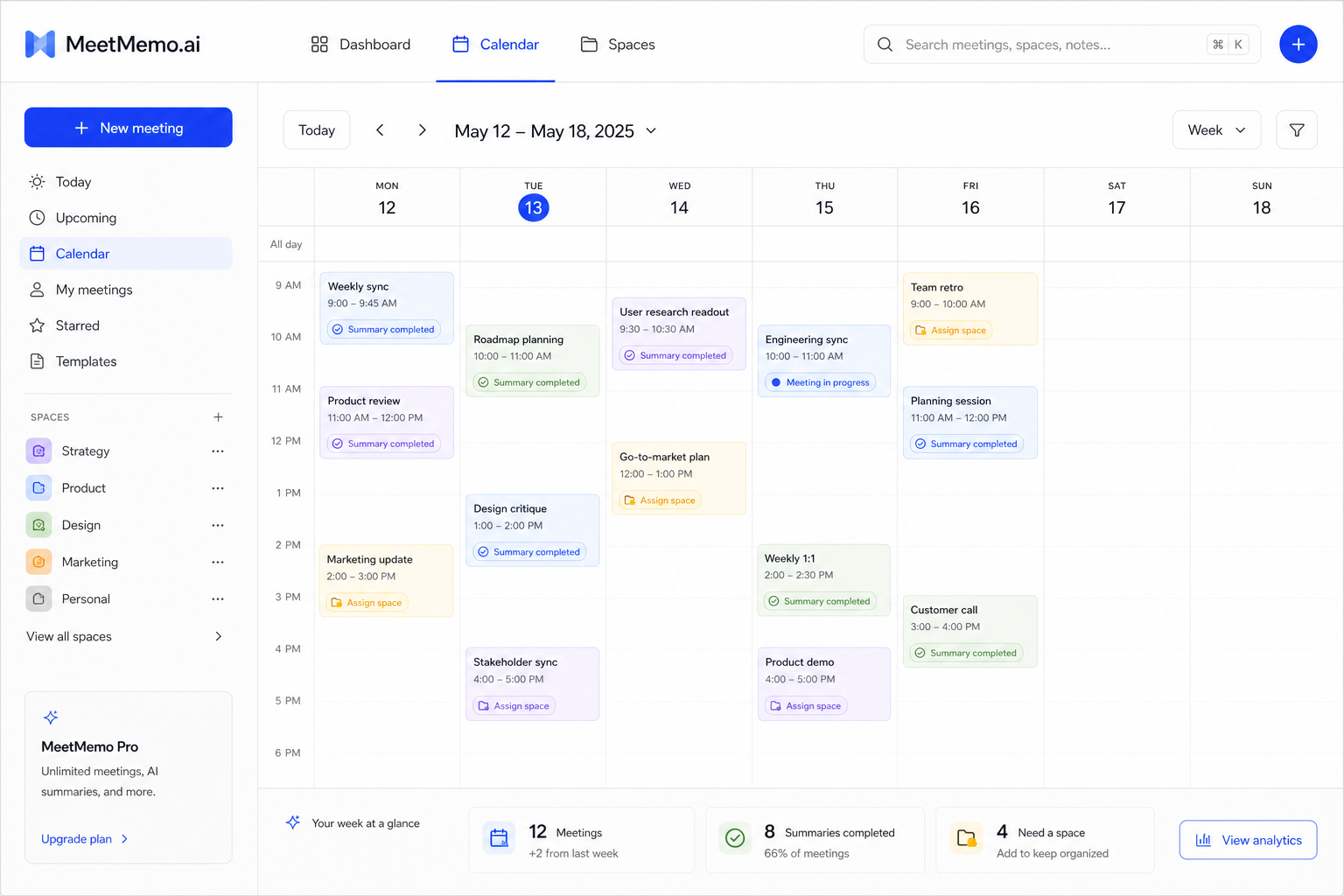
The product had to work at two levels. Immediately after a meeting, it needed to reduce the effort of understanding what happened. Over time, it needed to help a team connect one conversation to the next.
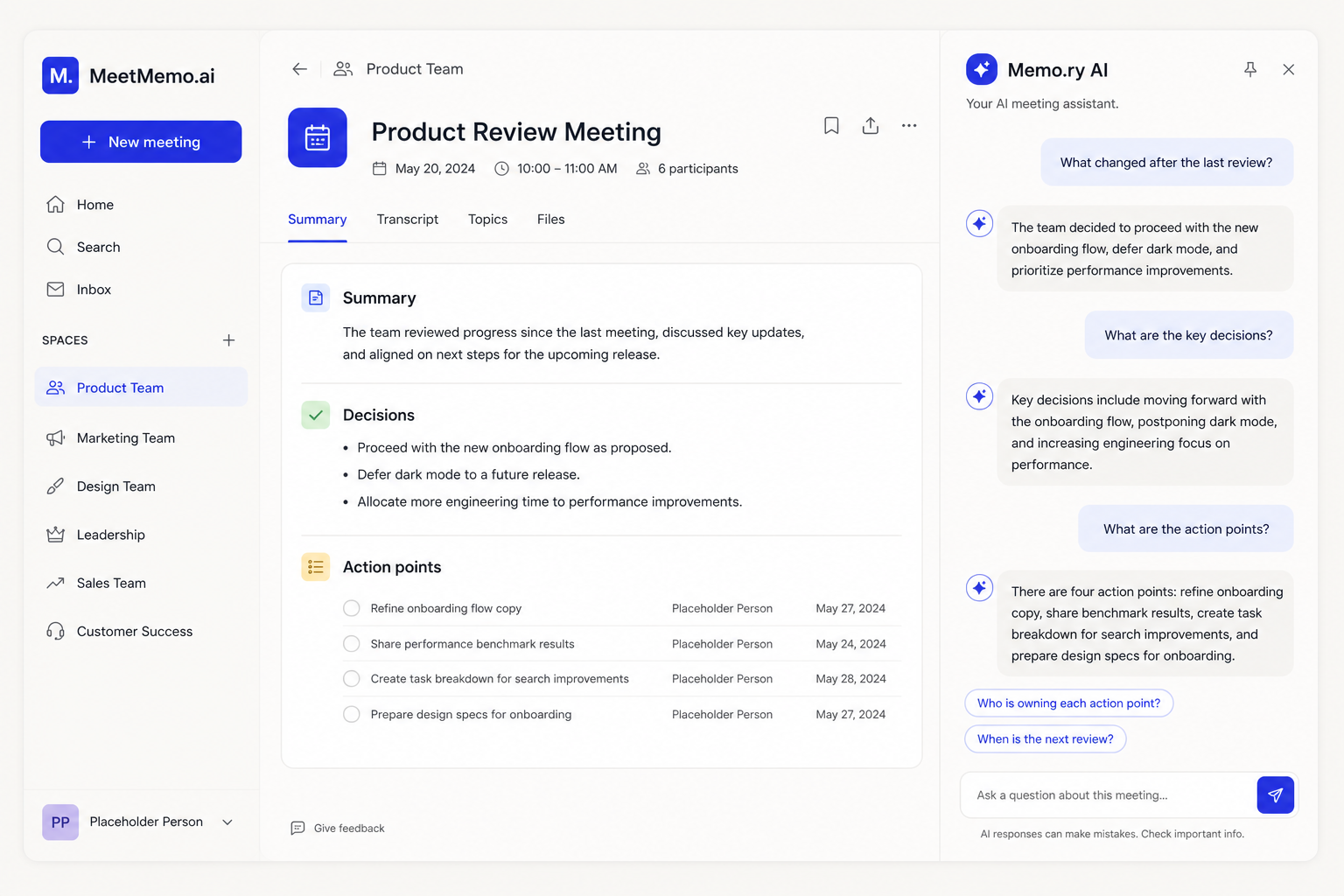
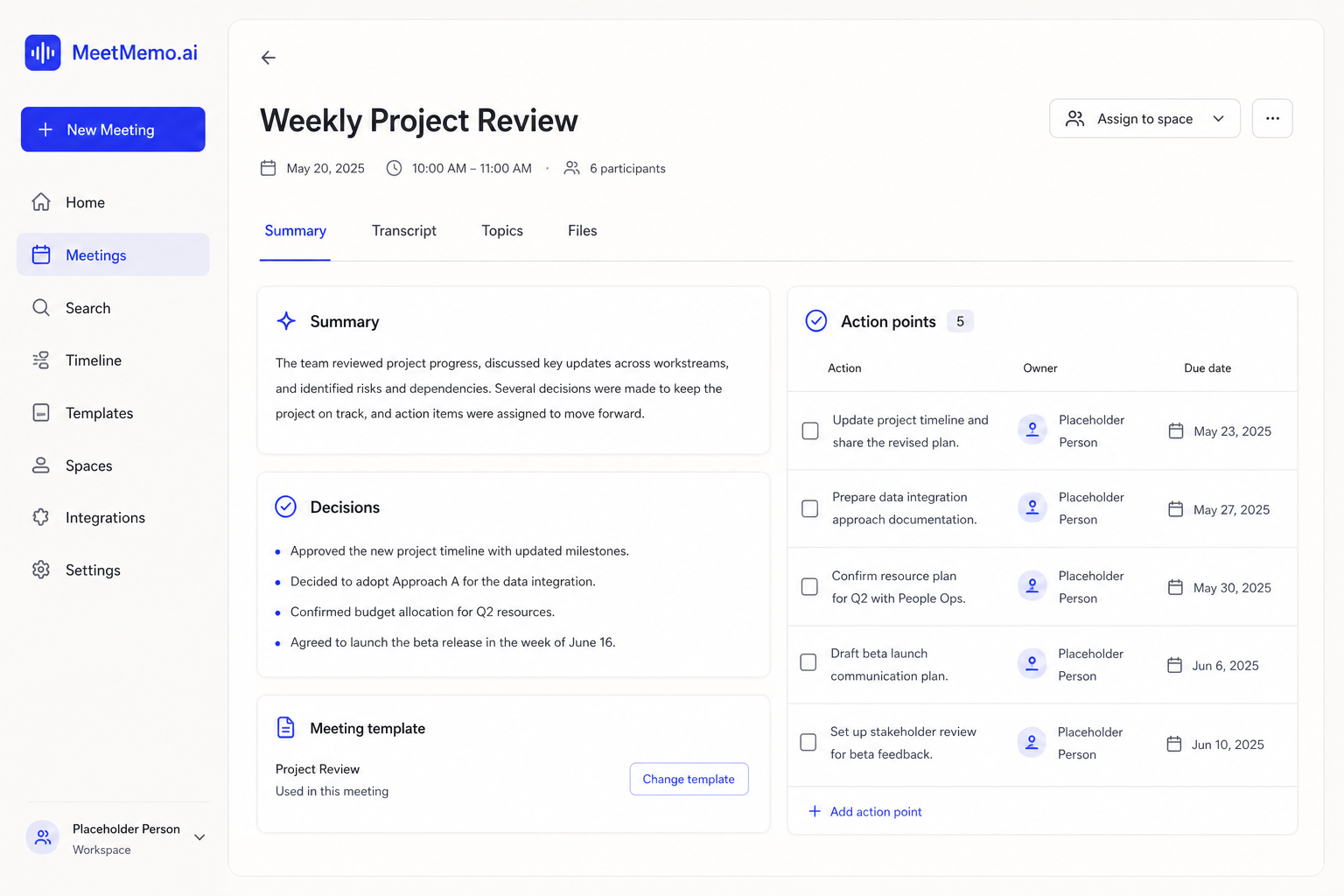
That led to a layered system: summaries for rapid orientation, action points for accountability, Spaces for project continuity, and conversational retrieval for questions that cut across multiple meetings. Each feature had a distinct job in the same memory model.
Summary first
The first screen should answer what mattered, what changed and what needs attention. The transcript remained available as evidence, but it stopped being the product's centre of gravity.
Owned actions
Next steps became visible work rather than passive sentences. Clear action points made responsibilities easier to identify, share and carry into the next conversation.
Shared spaces
Related meetings could be grouped around a client, product or initiative. Spaces gave recurring work a home and allowed project memory to accumulate instead of resetting after every call.
Ask the archive
Memo.ry chat let people retrieve context conversationally: what was decided, when something changed, or which commitments appeared across several meetings.
Beta → launch
The work continued after the interface was designed.
I helped identify who the product should be useful to, shaped the growth plan around those use cases, and supported teams as they came onto the platform. Onboarding showed which ideas were immediately legible and which required clearer language, hierarchy or defaults.
That made client support part of product discovery. Questions from real use fed back into how meetings were organised, how summaries and actions were presented, and how the product explained the value of Spaces and AI retrieval.
- 01PositionDefine the audience and the useful promise
- 02OnboardHelp teams bring live meeting workflows in
- 03ObserveNotice hesitation, confusion and repeated questions
- 04RefineFeed those signals back into product and communication

what shipped
Meetmemo moved from an early product idea through research, system definition, design, beta and launch. The shipped experience connected scheduled and impromptu meetings to structured summaries, action points, project Spaces and a conversational memory layer.
My deliverable was not a single screen or strategy deck. It was the connective product work: deciding what the platform should mean, shaping the features and flows, giving it a coherent identity, helping take it to market, and staying close enough to early clients to support adoption.
The product principle: capture once, return to the decision—not the recording.
the launch film